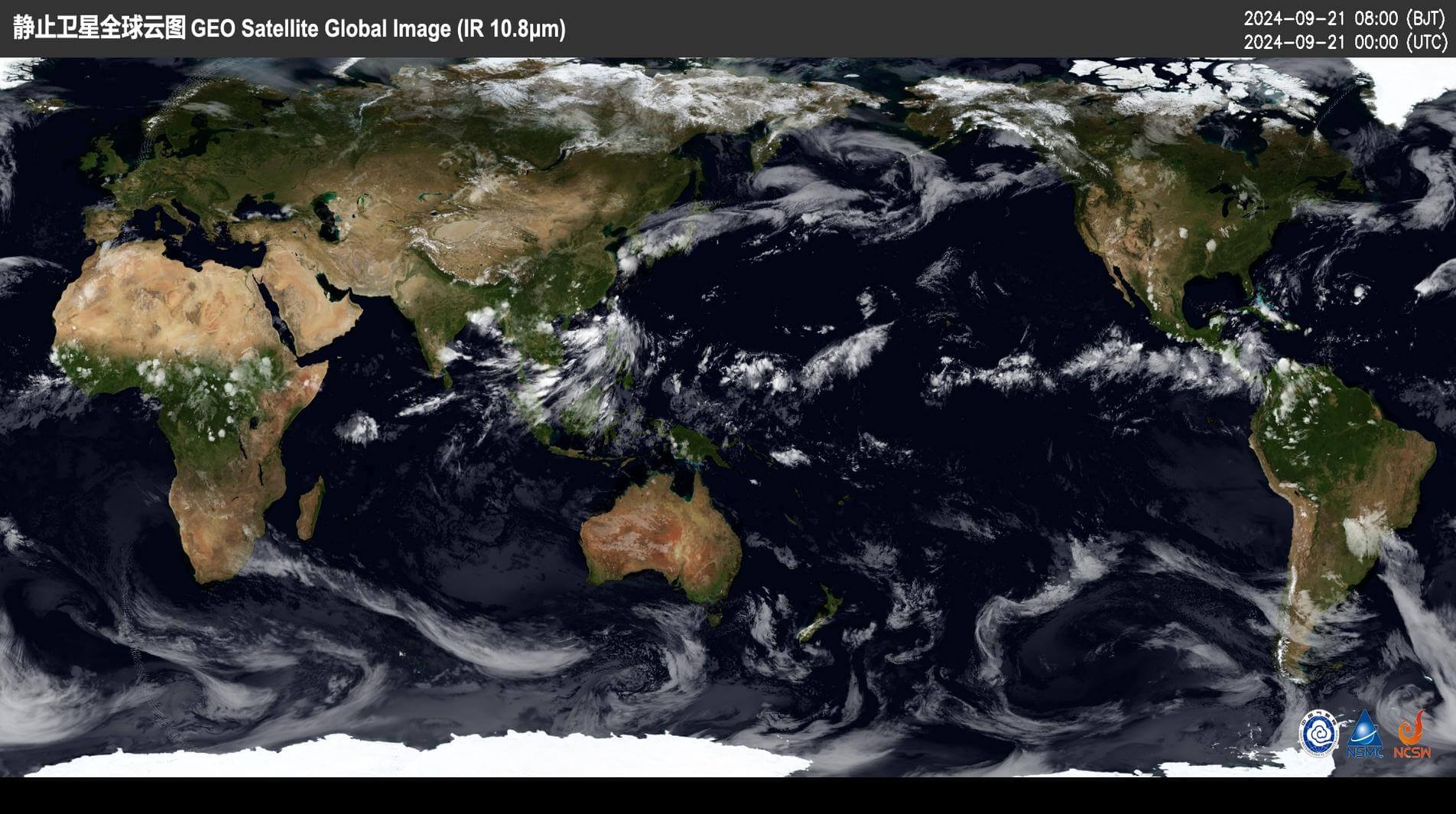
需求
定时爬取中国气象网,获取卫星云图作为壁纸。
实现
代码如下:
#!/usr/bin/env python
# -*- coding: utf-8 -*-

import os
import tempfile
import time
from datetime import datetime, timedelta, timezone

import requests
import win32api
import win32con
import win32gui
from PIL import Image

def get_quarter(hour, minute):
    hour = int(hour)
    minute = (int(minute) // 15) * 15
    quarter = hour * 10000 + minute * 100

    return f"{quarter:06d}"

class Wallpaper:
    def __init__(self):
        os.makedirs(os.path.join(tempfile.gettempdir(), "wallpaper"), exist_ok=True)

    def crawl(self):
        now = datetime.now()
        utc_now = now.astimezone(timezone.utc) - timedelta(minutes=90)  # 卫星云图滞后

        year = utc_now.year
        month = "{:02d}".format(utc_now.month)
        day = "{:02d}".format(utc_now.day)
        hour = "{:02d}".format(utc_now.hour)
        date = f"{year}{month}{day}"
        minute = "{:02d}".format(utc_now.minute)
        quarter = get_quarter(hour, minute)

        picture = f"http://image.nmc.cn/product/{year}/{month}/{day}/WXBL/medium/SEVP_NSMC_WXBL_FY4B_ETCC_ACHN_LNO_PY_{year}{month}{day}{quarter}000.JPG"
        self.image = os.path.join(tempfile.gettempdir(), "wallpaper", f"GEOS_{year}{month}{day}{quarter}000.jpg")
        res = requests.get(picture)
        with open(self.image, "wb") as f:
            f.write(res.content)

        return self

    def zoom(self):
        monitor_info = win32api.GetMonitorInfo(win32api.MonitorFromPoint((0, 0)))
        screen_area = monitor_info.get("Monitor")
        work_area = monitor_info.get("Work")
        old_image = Image.open(self.image).resize((work_area[2], work_area[3]), Image.Resampling.LANCZOS)
        new_image = Image.new("RGB", (screen_area[2], screen_area[3]), "black")
        new_image.paste(old_image, (0, 0))
        new_image.save(self.image)

        return self

    def setup(self):
        image_folder = os.path.join(tempfile.gettempdir(), "wallpaper")
        image_files = [f for f in os.listdir(image_folder) if os.path.isfile(os.path.join(image_folder, f))]

        while len(image_files) > 288:
            os.remove(os.path.join(image_folder, image_files[0]))
            image_files.pop(0)

        for image_file in image_files:
            image_path = os.path.join(image_folder, image_file)
            keyex = win32api.RegOpenKeyEx(win32con.HKEY_CURRENT_USER, "Control Panel\\Desktop", 0, win32con.KEY_SET_VALUE)
            win32api.RegSetValueEx(keyex, "WallpaperStyle", 0, win32con.REG_SZ, "0")
            win32api.RegSetValueEx(keyex, "TileWallpaper", 0, win32con.REG_SZ, "0")
            win32gui.SystemParametersInfo(win32con.SPI_SETDESKWALLPAPER, image_path, win32con.SPIF_SENDWININICHANGE)
            time.sleep(2)
        """
        | WallpaperStyle | TileWallpaper | style     |
        |----------------+---------------+-----------|
        |             10 |             0 | filled    |
        |              6 |             0 | fitted    |
        |              2 |             0 | stretched |
        |              0 |             0 | centered  |
        |              0 |             1 | tiled     |
        """

if __name__ == "__main__":
    wallpaper = Wallpaper()
    wallpaper.crawl().zoom().setup()
然后利用 windows 的计划任务,每15分钟定时执行一次。
效果
如图所示:
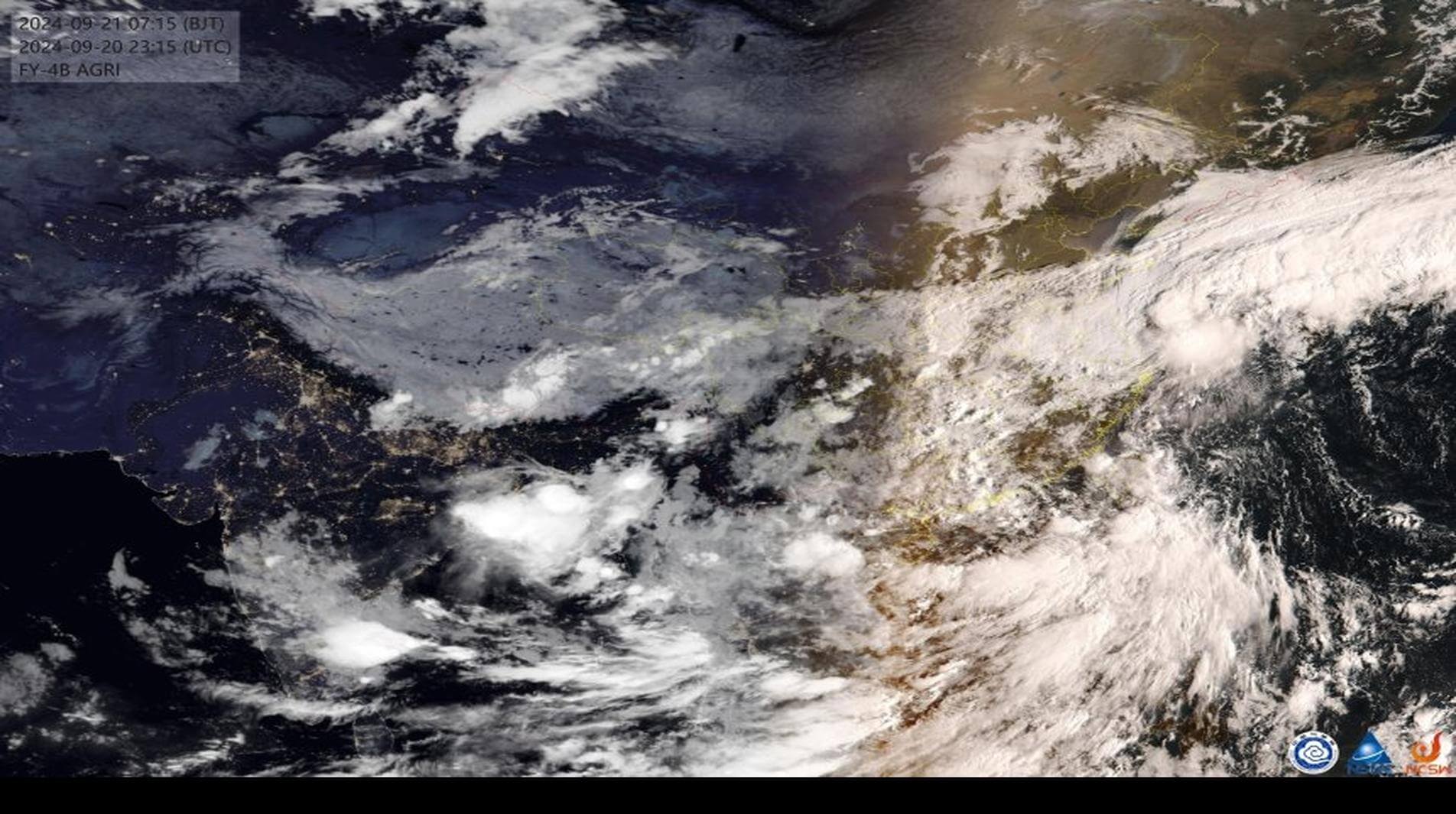
附注1:底边的黑条,会根据任务栏的高度自动保留,这样任务栏就不会遮挡图层。
附注2:最多288幅图片,即3天,间隔2秒自动切换,形成动画效果。
还可以抓取世界地图,如图所示: